YOUR DOCUMENT. YOUR NEXT STEP.

Compress PDF files online

Reduce image-heavy PDFs for sharing by choosing an export quality preset.

or drag and drop them here PDF only · up to 50 MB each

3 free exports per day · No signup needed

Free allowance & file limits

PDF input only: 50 MB per file, 100 files and 500 MB per workspace. Split export supports up to 200 parts.

Each device gets 3 successful standard exports per UTC day, shared by anonymous and signed-in free users. The allowance resets at 00:00 UTC (UTC midnight). Signing in, signing out or switching free accounts does not change it. No signup is needed to return tomorrow. A combined export counts once; failures and repeat downloads do not use another allowance. AI and OCR are not included in the free allowance.

How it works

  1. Upload a PDF
  2. Open Export and choose a quality preset
  3. Download and check the result

Before you start

Inspect small print and diagrams after export. File-size reduction depends on the document, not a promised percentage.

Example result

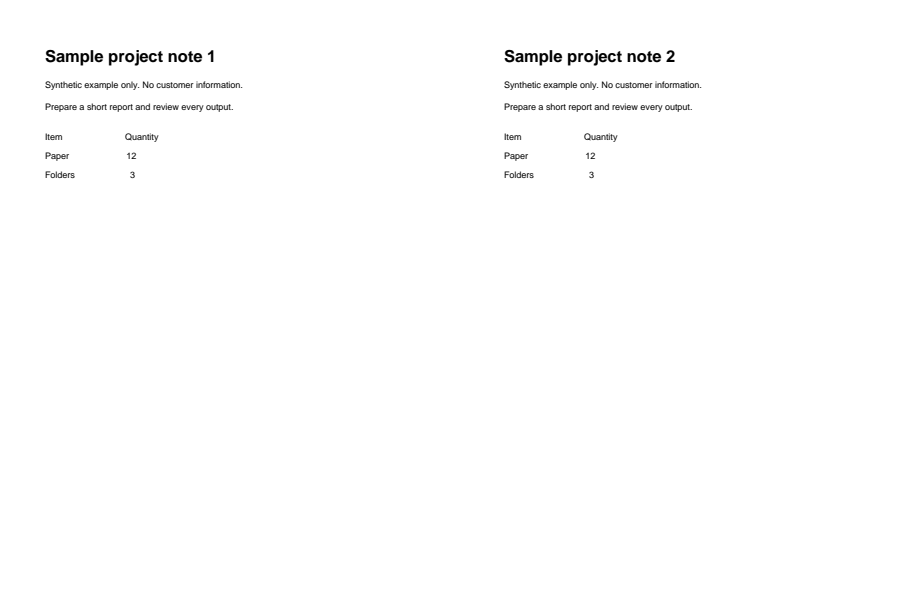
This text-only PDF becomes smaller. Other PDFs may stay the same size or grow; compare your result.
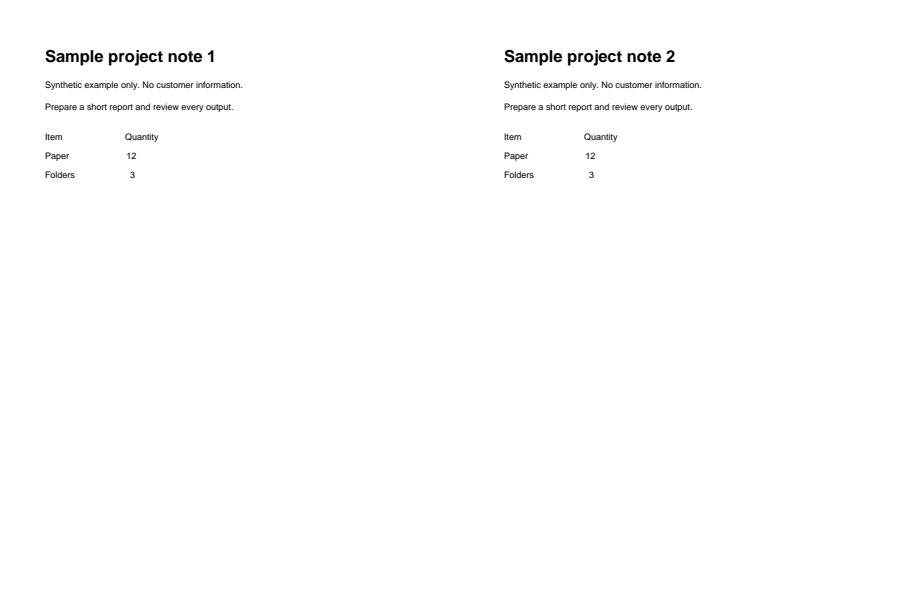
Synthetic input for compress-pdf
Before
Actual generated output for compress-pdf; see caption for view details
After

Download example input · Download result

Example details & evidence

Real editor export: 2 pages; 2308 input bytes, 1573 output bytes. This text-only fixture becomes smaller. Other PDFs may grow; compare the actual result.

Examples use synthetic files, not customer documents. Generation notes and SHA-256 hashes.

Common questions

Will every PDF become smaller?

No. A document that is already optimized may stay similar in size or grow.

Which preset should I choose?

Start with Balanced. Smallest file can blur images; High quality preserves more image detail.

Does compression remove pages?

The quality preset does not choose pages. Check your page selection separately before export.

Can I undo the compression?

Lossy image compression cannot restore removed detail. Keep your original copy.

Related tools

ALPHAPDF PRO

Explore paid tools

AlphaPDF Pro: $135/year · $15/month · $5 one-time seven-day pass

The seven-day pass does not renew. An account and payment are required for PDF-to-JPG, all other converters and Premium tools. No free Premium jobs.

Compare free and paid access

Plan purchasing is not available here yet. Review supported inputs and limits before choosing a tool.

View pricing

Privacy choices

The device allowance is essential and cannot be disabled without deleting your AlphaPDF data. Optional uses are controlled separately.

Are you sure?