Certificate sign PDF
An account and payment are required for PDF-to-JPG, all other converters and Premium tools. No free Premium jobs.
Compare free and paid accessApply an invisible PAdES signature from a P12 or PFX certificate.
The job runs privately and its inputs and results expire on the retention date you select.
Sign in to start
Premium processing keeps every input and result scoped to your own account.
Log inNew to AlphaPDF? Create an account
What it does
Digital signature PDF signs a document with a certificate you provide as a P12 or PFX file. The signature is invisible on the page but stored in the file in the PAdES format, so readers can confirm the document has not been changed since it was signed. Certificate files and passwords are not kept in your job history.
When to use it
Use it when a recipient asks for a digitally signed PDF rather than a picture of your signature, for example for supplier documents, internal approvals or systems that check signatures automatically.
How it works
- Read the offer, sign in and use an account with paid access
- Upload a supported file (or enter a public URL), choose options and retention
- Start the job, inspect every result and warning, then download the files you need
Before you start
A signature does not guarantee a trusted identity. No trusted timestamp is added by this tool.
Whether a reader shows the signature as trusted depends on who issued your certificate. No trusted timestamp is added.
Processing limits
Up to 50 MB per input; one input per job. PDF limit: 2000 pages. Up to 2 active jobs per account. Output limit: 1000 MB. Renderer limits can reject especially large pages or images.
Example result
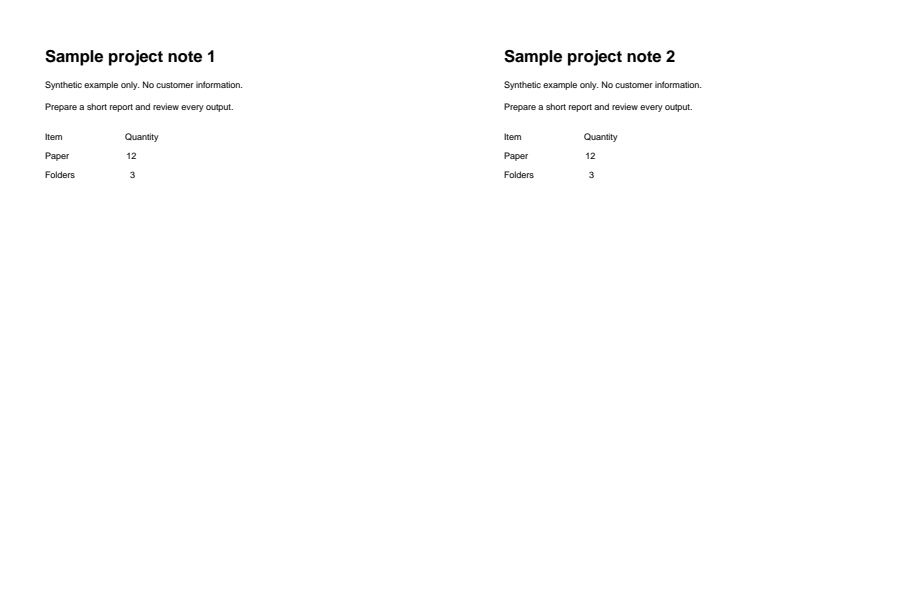
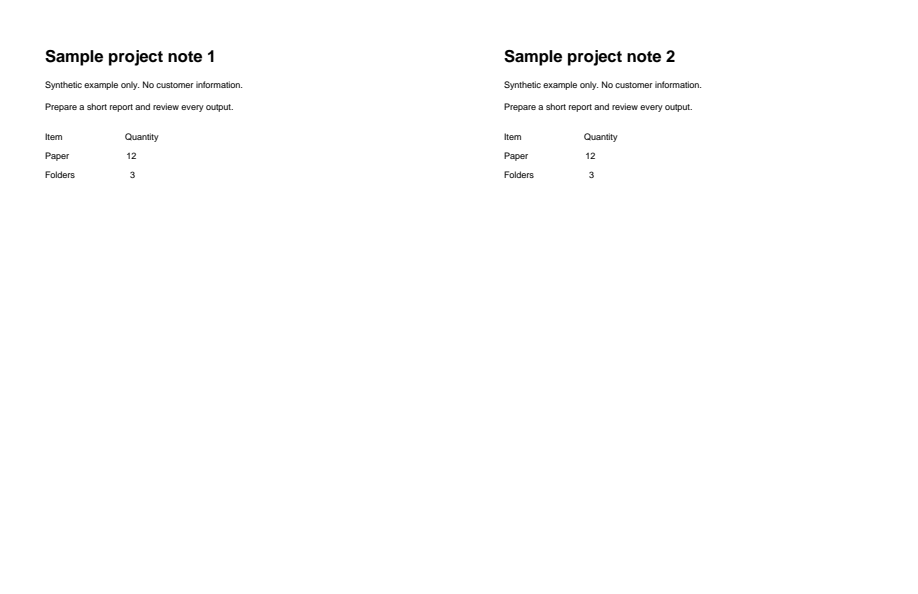
An invisible certificate signature added. The pages look unchanged.
Download example input · Download result
Example details & evidence
Real PDF output from the synthetic fixture. Inspect the downloaded result and notes. The signature is invisible, so pages look unchanged. Only the public certificate is in this output; private test key material is not saved.
Examples use synthetic files, not customer documents. Generation notes and SHA-256 hashes.
Common questions
Where do I get a certificate?
From your organisation's IT team or a certificate authority. It usually comes as a .p12 or .pfx file with a password.
Why does my reader say the signer is unknown?
The reader does not trust the certificate's issuer. Self-signed certificates show this warning.
Can I add a visible signature too?
Yes. Place a typed or drawn signature in the free editor first, then sign the exported PDF here.
Can I edit the PDF after signing?
Any change after signing breaks the signature. Finish all edits first.