PDF to JPG
The seven-day pass does not renew. An account and payment are required for PDF-to-JPG, all other converters and Premium tools. No free Premium jobs.
Compare free and paid accessRender pages as JPG, PNG, TIFF, or SVG.
Choose a page-image format for a PDF: PNG for crisp text, JPG for photographic pages, TIFF for multi-page image files, or SVG for scalable page artwork.
Image exports do not create editable Office documents. Resolution affects raster formats; increasing it cannot recover detail missing from a scan.
Sign in to start
Premium processing keeps every input and result scoped to your own account.
Log inNew to AlphaPDF? Create an account
How to use PDF to images
- Sign in with an account that has Premium access.
- Upload .pdf files. Each file can be up to 50 MB, with up to 25 files per batch.
- Review the available settings and choose a 1, 7 or 30-day retention period.
- Start the job, then download and check the result before its retention period ends.
Related conversion options
Before you start
Image exports do not create editable Office documents. Resolution affects raster formats; increasing it cannot recover detail missing from a scan.
Processing limits
Up to 50 MB per input; 25 files and 500 MB per batch. PDF limit: 2000 pages. Up to 2 active jobs per account. Output limit: 1000 MB. Renderer limits can reject especially large pages or images.
Example result
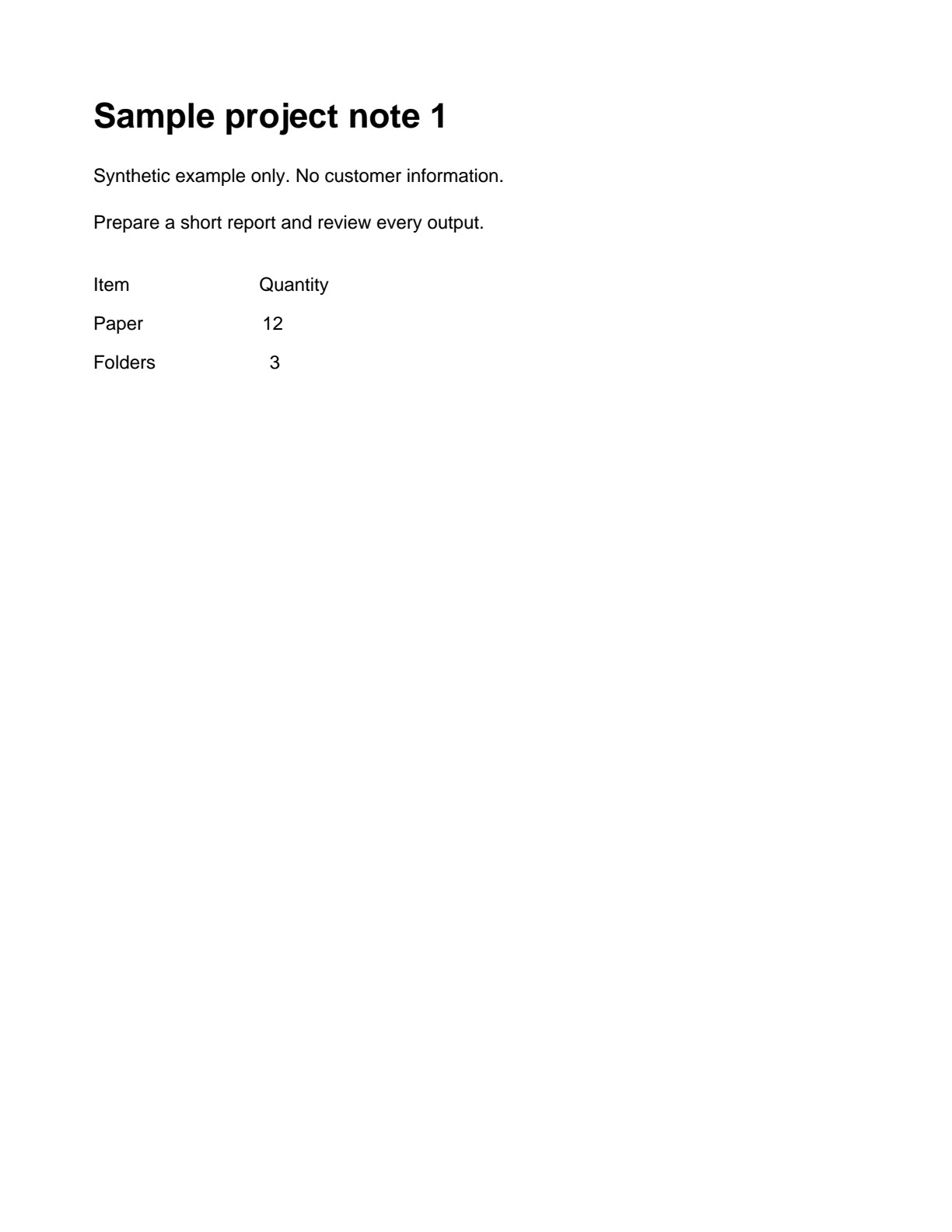
Page 1 converted to JPG. Image output no longer contains selectable PDF text.
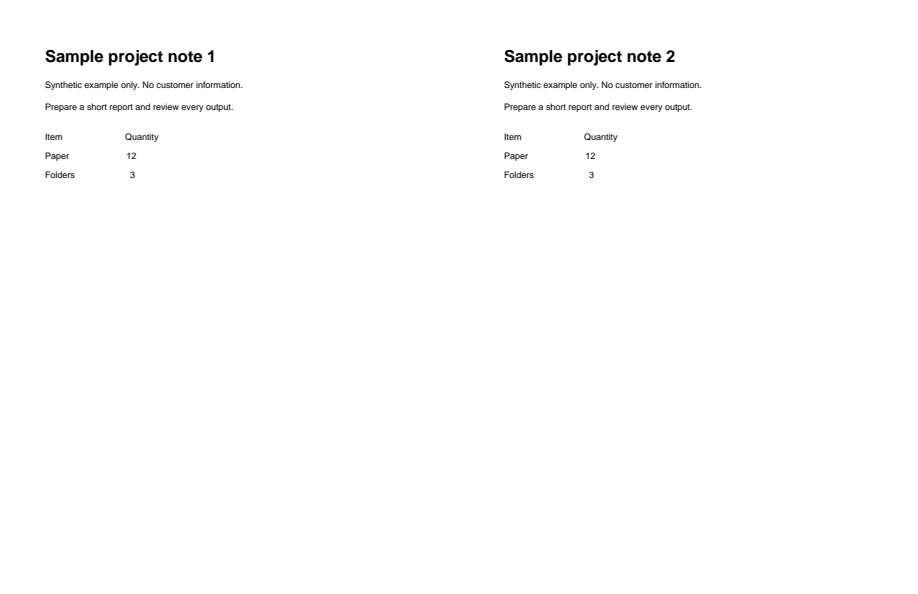
Download example input · Download result
Example details & evidence
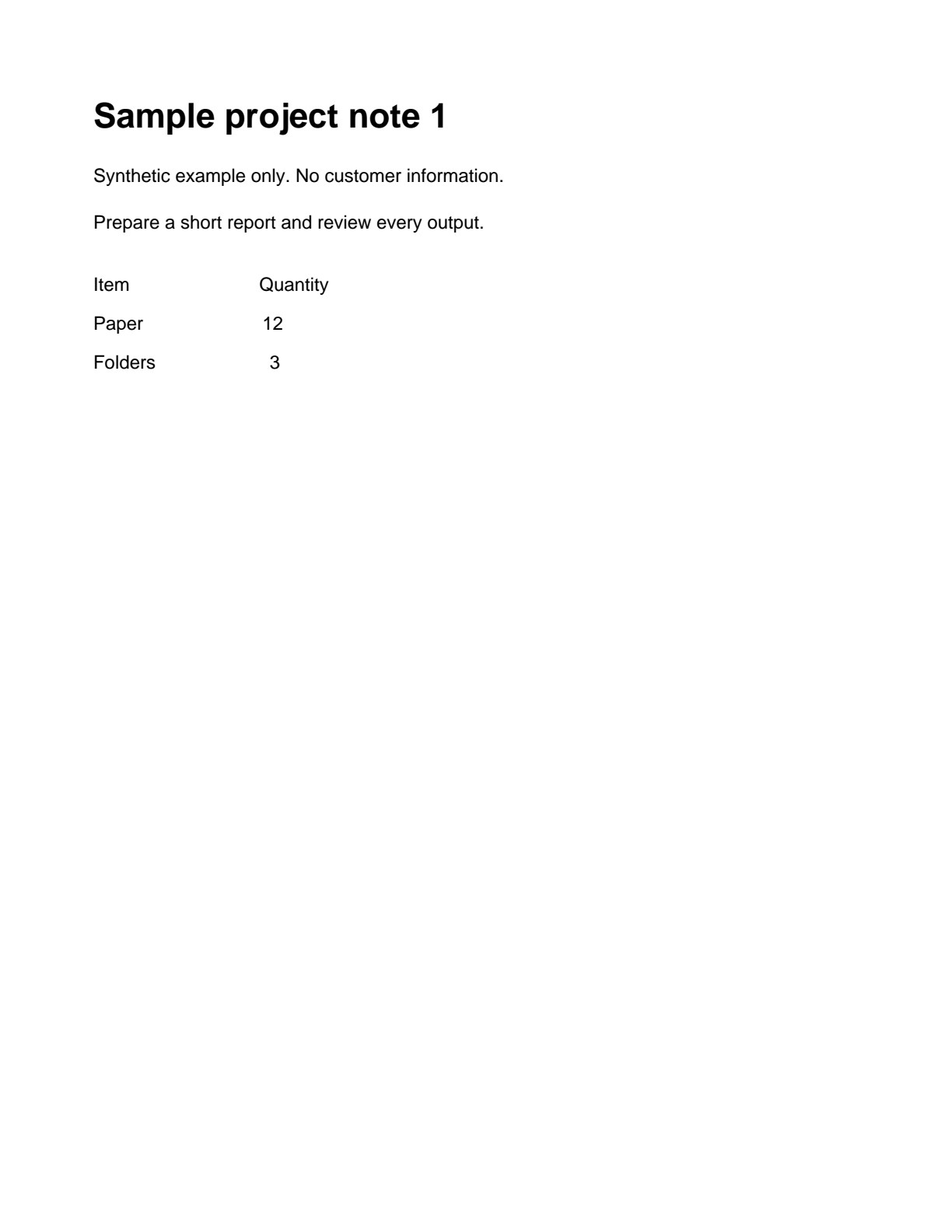
Page 1 rendered as JPG. Image output no longer contains selectable PDF text.
Examples use synthetic files, not customer documents. Generation notes and SHA-256 hashes.
Common questions
What should I expect from PDF to images?
Choose a page-image format for a PDF: PNG for crisp text, JPG for photographic pages, TIFF for multi-page image files, or SVG for scalable page artwork.
What inputs and output does this tool support?
Input: .pdf. Output: Images. Changing an extension does not convert an unsupported file.
Is PDF to images free?
No. An account and paid access are required before processing. The free editor allowance does not include this tool.
What should I check before deleting the files?
Open every wanted result and save your copies first. Check conversion warnings and compare with the source. Deleting a job is separate from cancelling its processing.