Encrypt PDF
An account and payment are required for PDF-to-JPG, all other converters and Premium tools. No free Premium jobs.
Compare free and paid accessAdd AES-256 passwords and reader-enforced document permissions.
AES-256, the strongest encryption the PDF format defines. The open password is what keeps the document shut; the permissions password only controls who can change the restrictions. Permissions are enforced by compliant PDF readers and are not digital-rights management. A PDF that is already password protected has to be unlocked first.
Sign in to start
Premium processing keeps every input and result scoped to your own account.
Log inNew to AlphaPDF? Create an account
What it does
Protect PDF encrypts a PDF with AES-256 and sets a password that must be entered to open it. You also set a separate permissions password and choose whether people may print the document or copy text out of it once it is open.
When to use it
Use it before emailing payslips, medical letters, contracts or anything you would not want read by the wrong person if the message were forwarded or the file left on a shared drive.
How it works
- Read the offer, sign in and use an account with paid access
- Upload a supported file (or enter a public URL), choose options and retention
- Start the job, inspect every result and warning, then download the files you need
Before you start
Use different open and permissions passwords. Permissions are not DRM and depend on the PDF reader.
Permission settings rely on the reader app respecting them. They discourage copying and printing but are not a guarantee.
Processing limits
Up to 50 MB per input; 25 files and 500 MB per batch. PDF limit: 2000 pages. Up to 2 active jobs per account. Output limit: 1000 MB. Renderer limits can reject especially large pages or images.
Example result
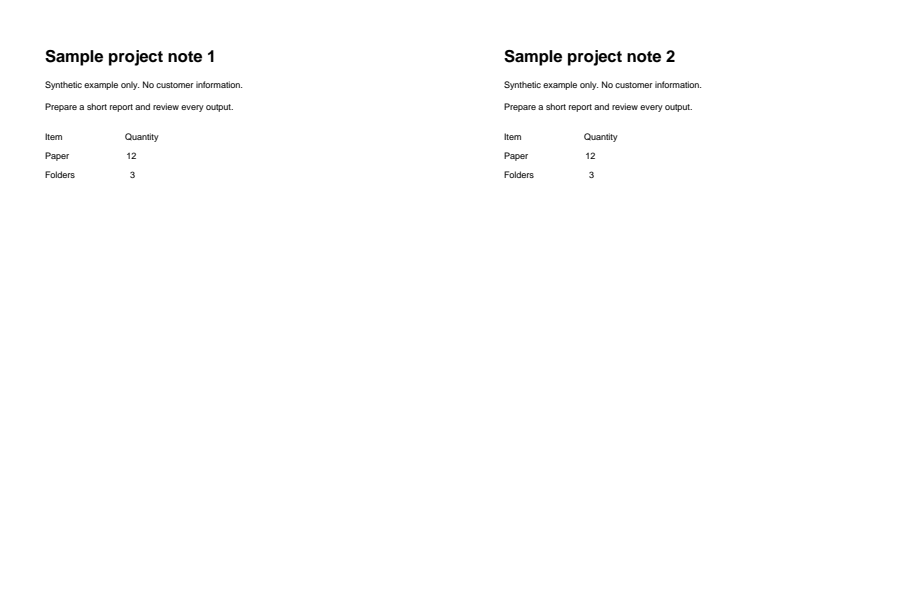
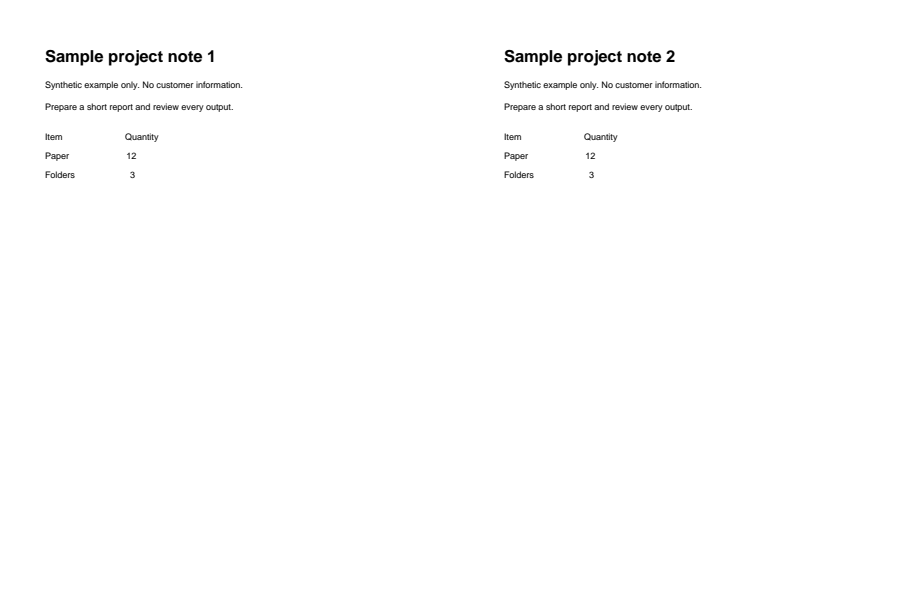
The output requires a password to open. The pages look unchanged.
Download example input · Download result
Example details & evidence
AES-256 output: the after preview was opened with the synthetic password sample-open. Pages look unchanged; encryption was also checked in the PDF structure.
Examples use synthetic files, not customer documents. Generation notes and SHA-256 hashes.
Common questions
What if I forget the password?
It cannot be recovered. Keep an unprotected copy somewhere safe before you share the encrypted one.
How should I share the password?
Send it through a different channel than the file, such as a text message or a phone call.
Can I protect a PDF that already has a password?
Remove the existing password first, then protect it again with the new settings.
Will every PDF reader open it?
AES-256 is supported by current versions of the common readers. Very old software may not open it.