Sign PDF files online
Place a typed or drawn signature mark on a PDF, useful for a form that accepts a visible signature.
How it works
- Upload the PDF
- Choose Sign and place a typed or drawn mark
- Export and check its position
Before you start
The tool supplies a visual signature, not identity verification or a guarantee of legal acceptance.
Example result
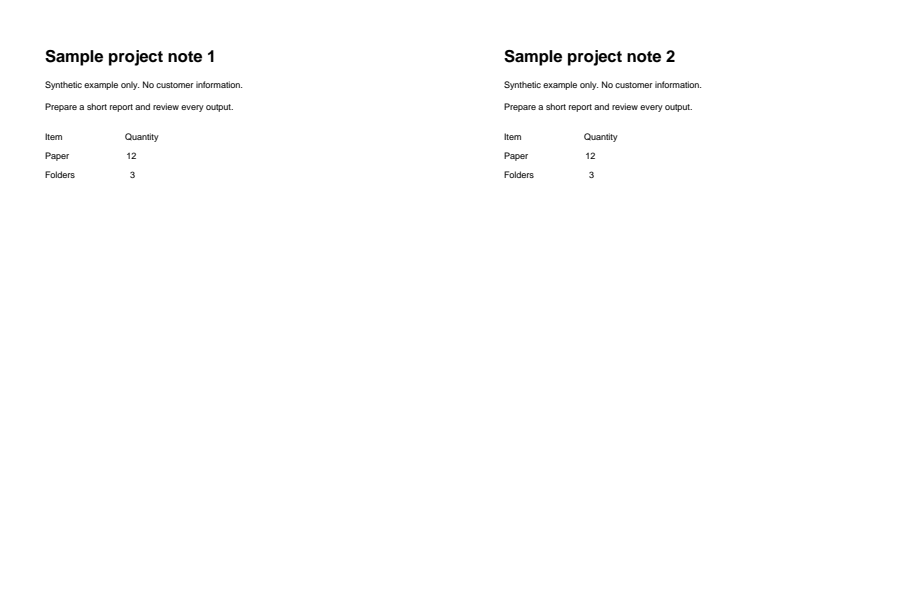
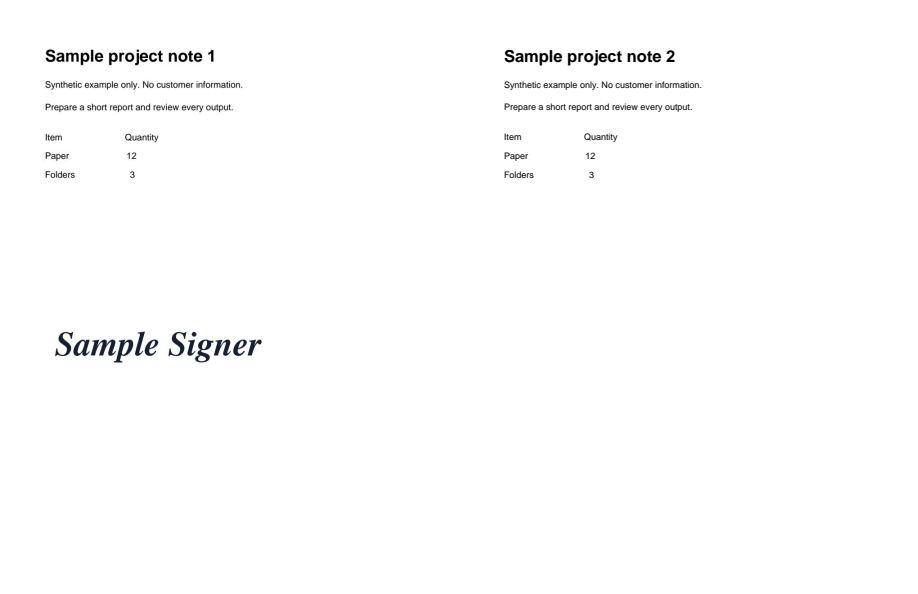
A visible signature added to a two-page PDF. This is separate from certificate signing.
Download example input · Download result
Example details & evidence
Real editor export: 2 pages; 2308 input bytes, 37787 output bytes.
Examples use synthetic files, not customer documents. Generation notes and SHA-256 hashes.
Common questions
Is this a digital certificate signature?
No. This free tool places a visible mark. Certificate-backed signing is a separate paid tool.
Does it verify my identity?
A typed or drawn mark alone does not authenticate the person who added it.
Can I move the signature?
Adjust its position and size in the workspace before exporting.
Will the recipient accept it?
Check the recipient's signature requirements before using a visible mark on an important document.