YOUR DOCUMENT. YOUR NEXT STEP.

Convert JPG and PNG images to PDF online

Put phone photos, scans and screenshots into one PDF, in the order you choose.

Choose before selecting images. Pages turn to match landscape photos.
or drag and drop them here JPG or PNG up to 20 MB each · PDFs up to 50 MB each

3 free exports per day · No signup needed

Free allowance & file limits

PDF input: 50 MB per file, 100 files and 500 MB per workspace. Split export supports up to 200 parts.

JPG to PDF also takes JPG and PNG images: 20 MB per image, and up to 50 megapixels for a JPG or 25 for a PNG. Each image becomes one page and counts as one file toward the workspace limits. No text recognition is applied.

Each device gets 3 successful standard exports per UTC day, shared by anonymous and signed-in free users. The allowance resets at 00:00 UTC (UTC midnight). Signing in, signing out or switching free accounts does not change it. No signup is needed to return tomorrow. A combined export counts once; failures and repeat downloads do not use another allowance. AI and OCR are not included in the free allowance.

How it works

  1. Choose a page size and select your JPG or PNG images
  2. Drag the pages into order and rotate any that are sideways
  3. Export One PDF and download

Before you start

JPG and PNG only, each up to the image size and megapixel limits in Free allowance & file limits. Transparent areas become white.

Example result

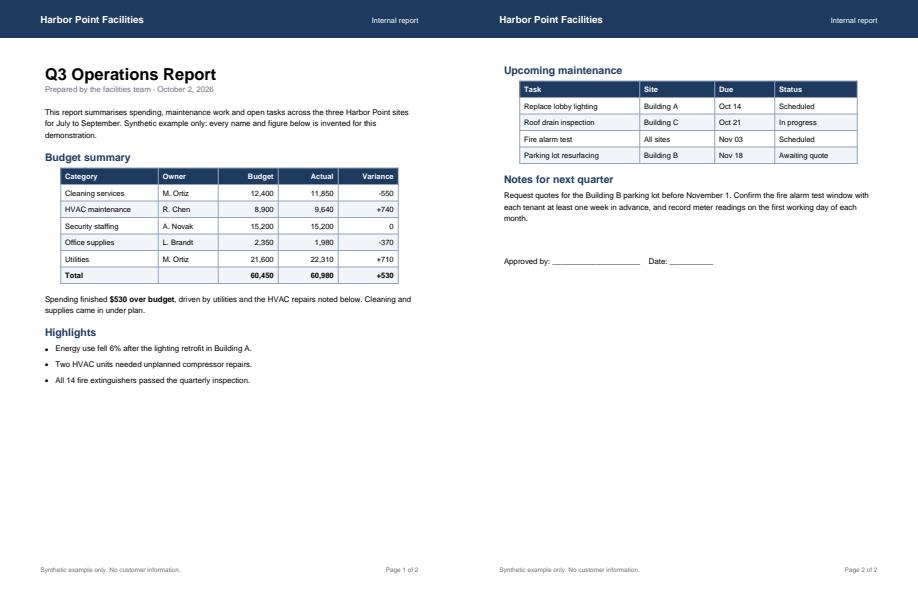
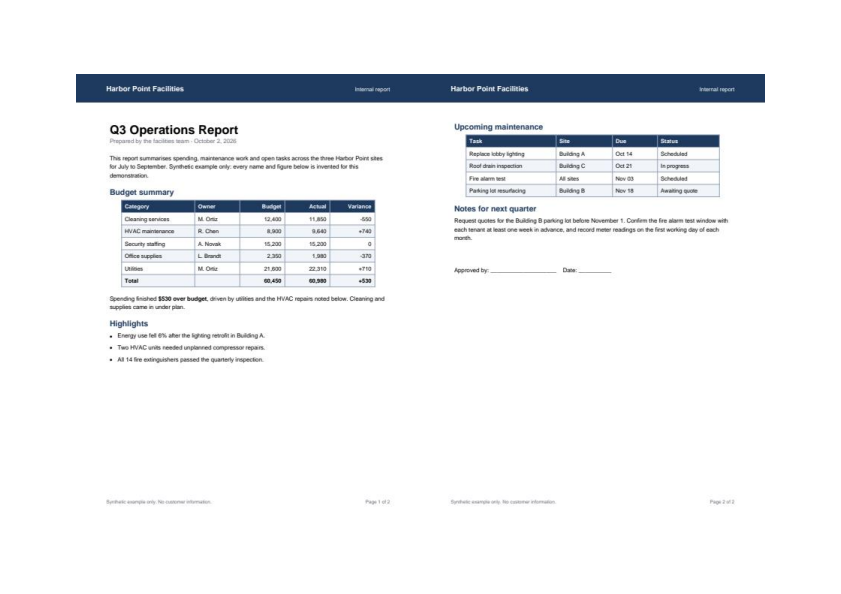
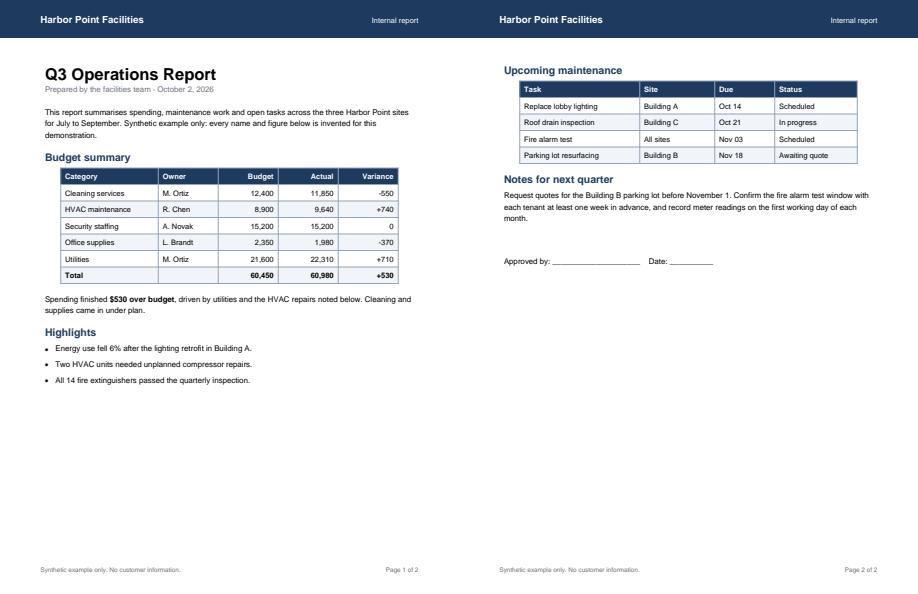
A synthetic JPG of a two-page report spread placed on one landscape A4 page, without text recognition.
Synthetic input for jpg-to-pdf
Before
Actual generated output for jpg-to-pdf; see caption for view details
After

Download example input · Download result
Example details & evidence

Real editor export: 1 page; 48093 input bytes, 49300 output bytes. A synthetic JPG scan placed on landscape A4 with a margin. No text recognition, so the text is part of the picture.

Examples use synthetic files, not customer documents. Generation notes and SHA-256 hashes.

Common questions

Does it recognise the text in my images?

No. Each image becomes a picture on its page, so its text cannot be searched or copied. Use OCR when you need searchable text.

Which page size should I choose?

Same as image makes each page exactly the size of its picture. A4 and US Letter fit the picture on standard paper with a margin, turning the page to suit landscape photos.

Will my photo lose quality?

A JPG is placed in the PDF unchanged, even when it has to be turned upright. The Smallest file export preset re-compresses it.

Can I mix images and PDFs?

Yes. PDFs and images go into the same page rail, so you can combine them into one document.

Related tools

ALPHAPDF PRO

Explore paid tools

AlphaPDF Pro: $99/year · $12/month

An account and payment are required for PDF-to-JPG, all other converters and Premium tools. No free Premium jobs.

Compare free and paid access

Plan purchasing is not available here yet. Review supported inputs and limits before choosing a tool.

View pricing

Privacy choices

The device allowance is essential and cannot be disabled without deleting your AlphaPDF data. Optional uses are controlled separately.

Are you sure?