PDF to PowerPoint
An account and payment are required for PDF-to-JPG, all other converters and Premium tools. No free Premium jobs.
Compare free and paid accessCreate visually faithful or editable PowerPoint slides.
Use PDF pages as the starting point for a presentation. Choose image-backed slides for presenting the original pages, or editable mode to revise reconstructed content.
Image-backed slides preserve appearance but their text is not independently editable. Editable output can change spacing and reading order on complex pages.
Sign in to start
Premium processing keeps every input and result scoped to your own account.
Log inNew to AlphaPDF? Create an account
What it does
PDF to PowerPoint turns each PDF page into a slide in a PPTX file. You can keep each page as a picture on its slide, which looks the same as the PDF and is ready to present. Or you can choose editable mode, which rebuilds the text and shapes so you can change wording, move boxes and restyle the deck.
When to use it
Reach for it when someone sent you a deck as a PDF and you need to present it, add a few slides or update last quarter's numbers. It also works for turning a handout or one-page summary into a slide you can drop into your own deck.
How to use PDF to PowerPoint
- Sign in with an account that has Premium access.
- Upload .pdf files. Each file can be up to 50 MB, with up to 25 files per batch.
- Review the available settings and choose a 1, 7 or 30-day retention period.
- Start the job, then download and check the result before its retention period ends.
Before you start
Image-backed slides preserve appearance but their text is not independently editable. Editable output can change spacing and reading order on complex pages.
Picture slides cannot be edited word by word. Editable slides can shift text spacing, and busy pages with many overlapping elements may need tidying.
Processing limits
Up to 50 MB per input; 25 files and 500 MB per batch. PDF limit: 2000 pages. Up to 2 active jobs per account. Output limit: 1000 MB. Renderer limits can reject especially large pages or images.
Example result
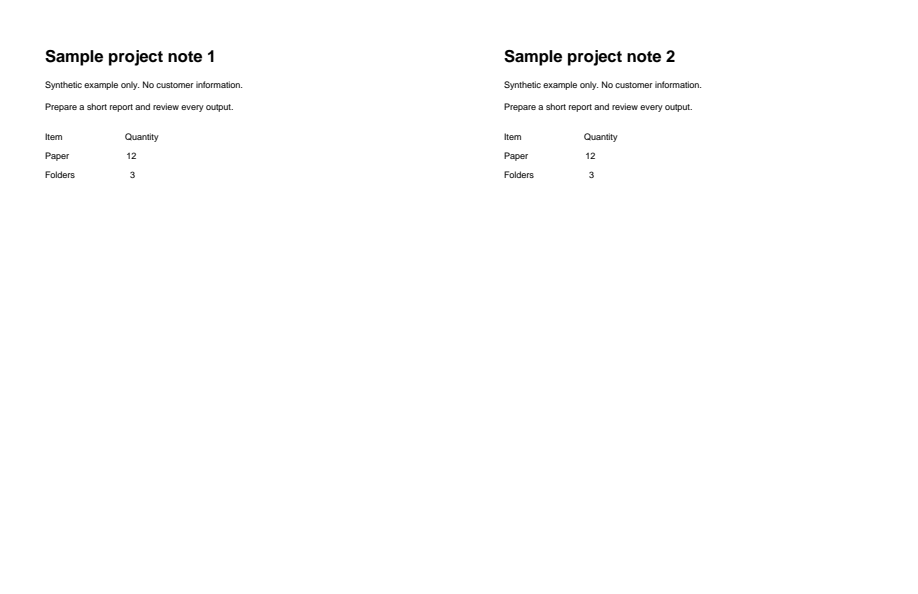
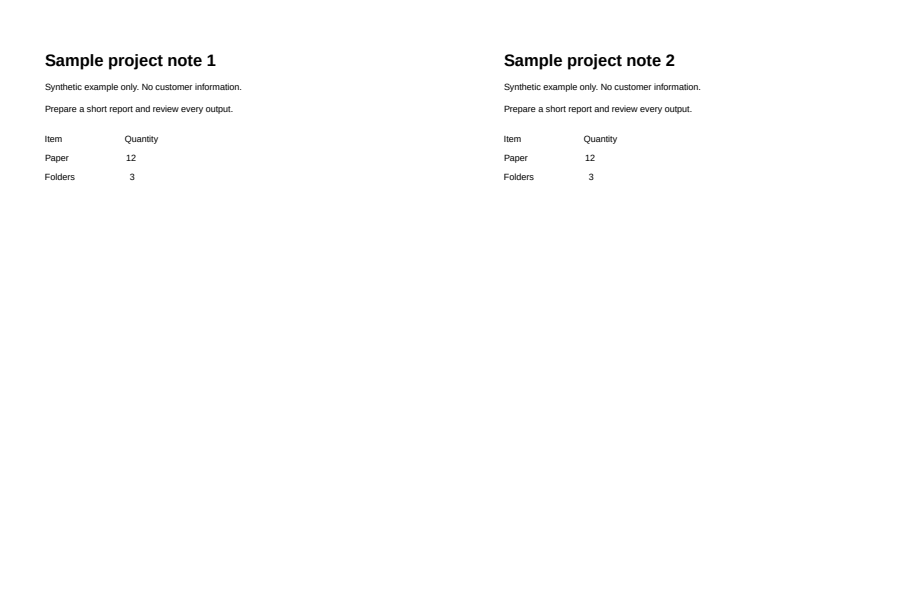
Two slides retain headings and text rows. Results vary with the source document.
Download example input · Download result
Example details & evidence
LibreOffice layout capture: two slides retain headings and text rows; this does not establish fidelity for other documents.
Examples use synthetic files, not customer documents. Generation notes and SHA-256 hashes.
Common questions
Do I get one slide per page?
Yes. Every page in the PDF becomes one slide, in the same order.
Which option looks closest to the PDF?
The image-backed option. Each slide shows the page as it was, so nothing moves, but the text on it is part of the picture.
Are animations added?
No. A PDF has no animations to carry over. Add transitions in PowerPoint afterwards if you want them.
Will my speaker notes come back?
Only if they were printed on the PDF pages. Notes that lived in the original presentation file are not stored in a normal PDF.