PDF to HTML
An account and payment are required for PDF-to-JPG, all other converters and Premium tools. No free Premium jobs.
Compare free and paid accessExport a self-contained HTML document with page structure.
Export PDF content as a self-contained HTML document. Balanced and editable modes reconstruct headings, paragraphs, lists and tables for selectable text.
Layout mode uses page images. Review reconstructed reading order and headings before publishing; the download is not an automatically published website.
Sign in to start
Premium processing keeps every input and result scoped to your own account.
Log inNew to AlphaPDF? Create an account
What it does
PDF to HTML writes the content of a PDF into a single HTML file that opens in any browser. In Balanced or Editable mode the text is rebuilt as real headings, paragraphs, lists and tables, so it can be selected, searched and read by screen readers. Layout mode takes a different route and shows each page as an image inside the HTML.
When to use it
Use it when a document needs to live on a web page or intranet instead of as a download, or when you want to paste the structure into a content system without cleaning up copied text line by line.
How to use PDF to HTML
- Sign in with an account that has Premium access.
- Upload .pdf files. Each file can be up to 50 MB, with up to 25 files per batch.
- Review the available settings and choose a 1, 7 or 30-day retention period.
- Start the job, then download and check the result before its retention period ends.
Before you start
Layout mode uses page images. Review reconstructed reading order and headings before publishing; the download is not an automatically published website.
Complex page designs are simplified. The file is self contained, which is handy for sharing, but it is a starting point for a page and not a finished website.
Processing limits
Up to 50 MB per input; 25 files and 500 MB per batch. PDF limit: 2000 pages. Up to 2 active jobs per account. Output limit: 1000 MB. Renderer limits can reject especially large pages or images.
Example result
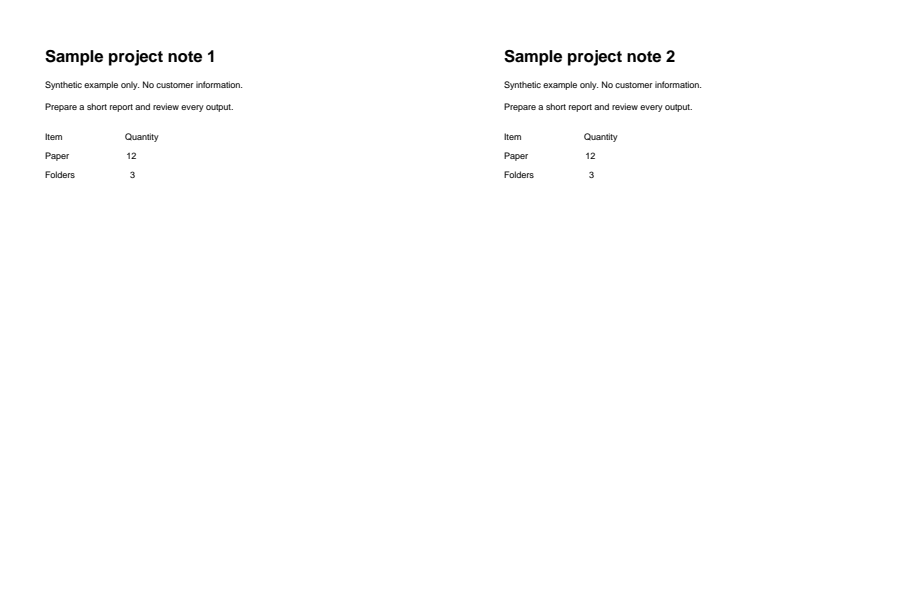
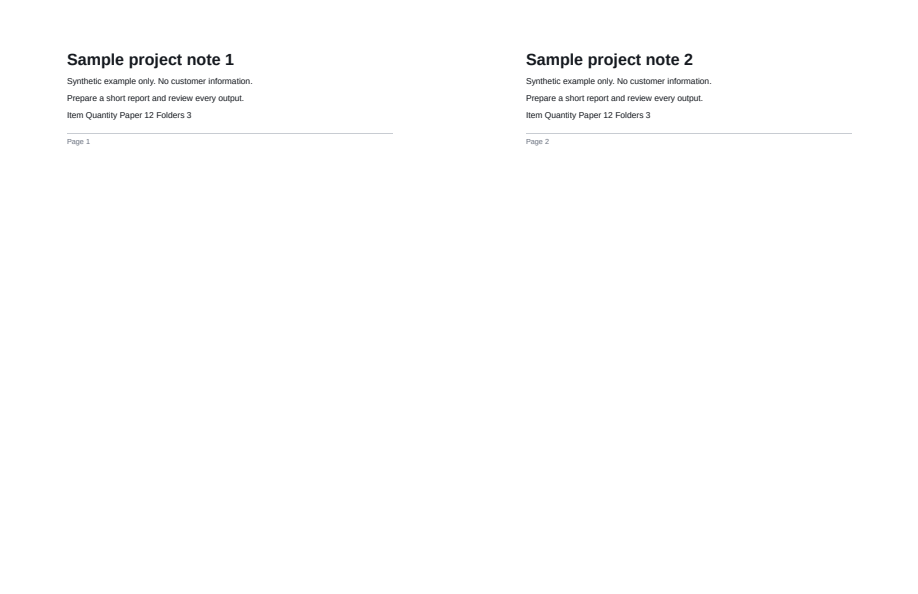
The headings remain, but table-like rows become prose.
Download example input · Download result
Example details & evidence
Actual HTML output rendered by Chromium to a PDF layout capture. Headings remain; table-like rows become prose.
Examples use synthetic files, not customer documents. Generation notes and SHA-256 hashes.
Common questions
Do images come with the HTML?
They are embedded inside the one HTML file, so there is no folder of pictures to keep next to it.
Can I edit the result?
Yes. It is ordinary HTML. Open it in a code editor or paste the parts you need into your site.
Which mode keeps the look of the page?
Layout mode, because each page is shown as an image. The text is then not selectable, so pick Balanced if you need real text.
Does it keep links?
Link text comes through as text. Check any links you need after export and add them back if they are missing.