Sanitize PDF
An account and payment are required for PDF-to-JPG, all other converters and Premium tools. No free Premium jobs.
Compare free and paid accessRemove JavaScript, actions, attachments, hidden layers, metadata, and old revisions.
JavaScript, auto-run actions, attached files, embedded media, hidden layers and metadata are removed, and the file is rewritten as a single revision so earlier drafts kept inside it go too. The pages are left alone, so text stays selectable. Ordinary links are kept.
Sign in to start
Premium processing keeps every input and result scoped to your own account.
Log inNew to AlphaPDF? Create an account
What it does
Remove PDF metadata strips the parts of a PDF you cannot see on the page. That includes author and software details, JavaScript, automatic actions, embedded attachments, hidden layers and earlier saved versions of the file. You can also ask for a visual rebuild, which redraws each page from scratch.
When to use it
Use it before publishing a PDF on a website, sending it outside your company or filing it with a court or regulator, where stray metadata or an old revision could reveal more than you meant to share.
How it works
- Read the offer, sign in and use an account with paid access
- Upload a supported file (or enter a public URL), choose options and retention
- Start the job, inspect every result and warning, then download the files you need
Before you start
This does not redact visible sensitive information. A visual rebuild can also remove selectable text.
It does not black out anything visible on the page. If a visual rebuild is chosen, text may no longer be selectable afterwards.
Processing limits
Up to 50 MB per input; 25 files and 500 MB per batch. PDF limit: 2000 pages. Up to 2 active jobs per account. Output limit: 1000 MB. Renderer limits can reject especially large pages or images.
Example result
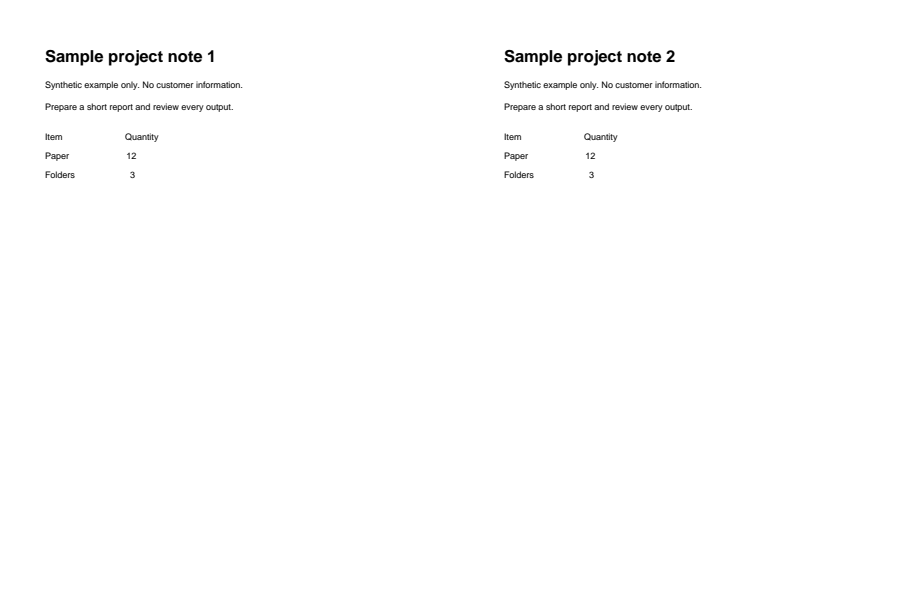
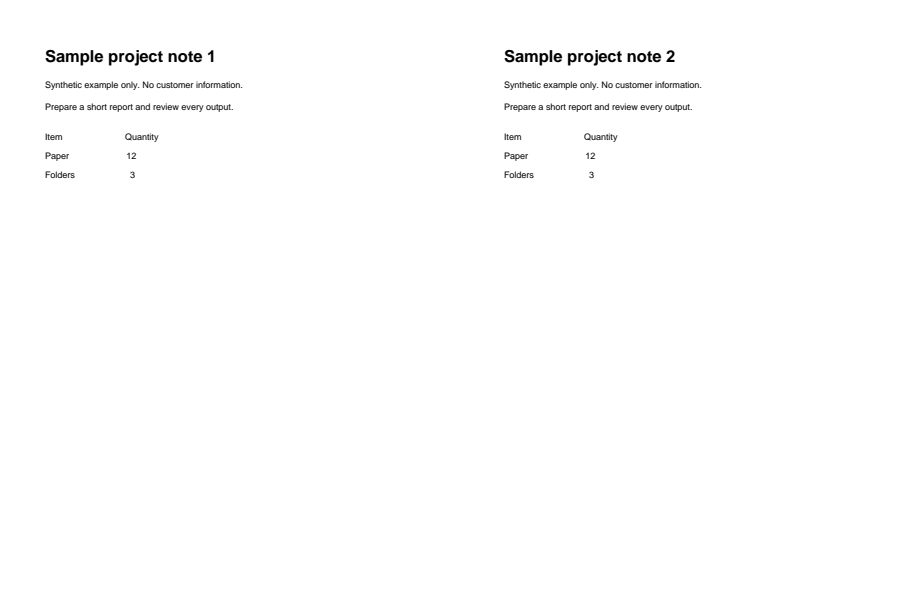
Source metadata removed; page appearance is unchanged. This does not remove visible sensitive content.
Download example input · Download result
Example details & evidence
Real PDF output from the synthetic fixture. Inspect the downloaded result and notes. Source metadata was removed; page appearance is unchanged. This does not demonstrate removal of visible sensitive content.
Examples use synthetic files, not customer documents. Generation notes and SHA-256 hashes.
Common questions
What counts as metadata?
Things like the author name, the program that made the file, creation dates and edit history stored inside the PDF.
Does it remove text I can see?
No. Visible text and images stay. Use a proper redaction process for sensitive content on the page.
Why remove old revisions?
A PDF saved several times can keep earlier versions inside it. Removing them stops deleted content from being recovered.
Will links still work?
Actions that run by themselves, such as scripts that start when the file opens, are removed. Check any links you rely on after cleaning.