Remove PDF password
An account and payment are required for PDF-to-JPG, all other converters and Premium tools. No free Premium jobs.
Compare free and paid accessRemove encryption after the supplied password successfully opens the PDF.
The password and the restrictions it carried -- printing, copying, editing -- are both gone from the copy you get back. The pages themselves are untouched.
Sign in to start
Premium processing keeps every input and result scoped to your own account.
Log inNew to AlphaPDF? Create an account
What it does
Remove PDF password makes an unlocked copy of a protected PDF. You enter the password that opens the file, and the tool saves a new copy without encryption or permission limits. The original file is left as it was.
When to use it
It is handy for statements and reports that arrive with a password you already know, so you do not have to type it every time, or when a system you upload to rejects protected files.
How it works
- Read the offer, sign in and use an account with paid access
- Upload a supported file (or enter a public URL), choose options and retention
- Start the job, inspect every result and warning, then download the files you need
Before you start
This is not password recovery. Use only documents you are authorized to unlock.
You must know the password. The tool does not guess or crack passwords, and it should only be used on files you are allowed to unlock.
Processing limits
Up to 50 MB per input; 25 files and 500 MB per batch. PDF limit: 2000 pages. Up to 2 active jobs per account. Output limit: 1000 MB. Renderer limits can reject especially large pages or images.
Example result
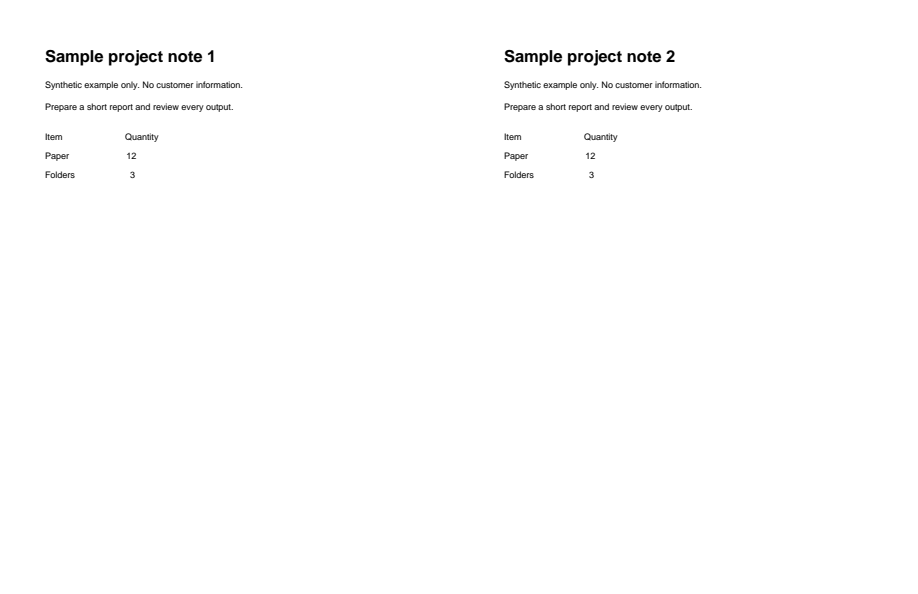
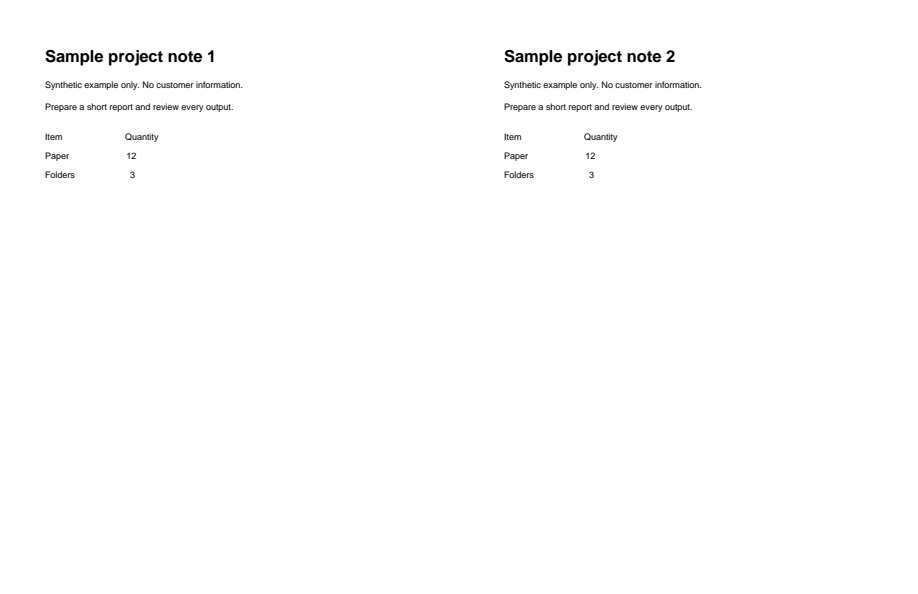
The output opens without a password. The pages look unchanged.
Download example input · Download result
Example details & evidence
Input password: sample-open. The output opens without a password; page text was checked.
Examples use synthetic files, not customer documents. Generation notes and SHA-256 hashes.
Common questions
Can it unlock a PDF without the password?
No. This is not password recovery. The correct password has to be supplied.
What about PDFs that only block printing?
Some files open without a password but restrict printing or copying. Supply the permissions password if the file has one.
Is the unlocked copy safe to email?
It has no protection at all, so treat it like any other sensitive file.
Does it change the pages?
No. Only the encryption and restrictions are removed. The content stays the same.