Split PDF files online
Separate a PDF into smaller files for chapters, individual records or a document handoff.
How it works
- Upload the PDF
- Add split markers between the sections
- Choose Split into a ZIP and download
Before you start
Download and open the ZIP before deleting the source. Every wanted section needs to be saved separately.
Example result
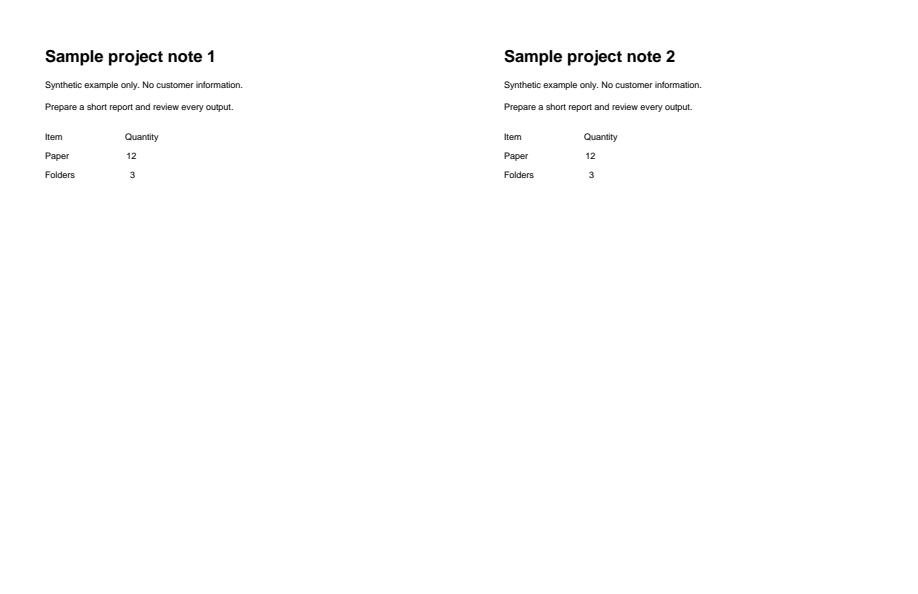
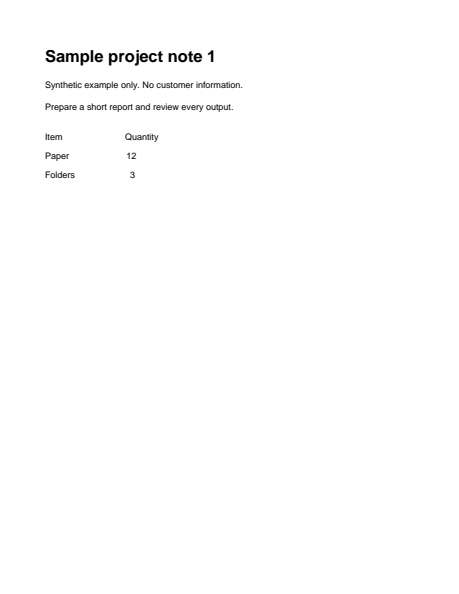
A two-page PDF split into two files in a ZIP. The preview shows the first part.
Download example input · Download result
Example details & evidence
Two-page source split into a ZIP with two PDFs. After shows the first extracted part.
Examples use synthetic files, not customer documents. Generation notes and SHA-256 hashes.
Common questions
What file do I download?
Split export creates a ZIP containing the separate PDF sections.
Can I extract just a few pages?
Select those pages and choose Extract selected pages instead of Split into a ZIP.
Where should split markers go?
Mark the final page of each section except the final page of the document.
Does splitting redact information?
No. It selects pages, not hidden information within a page. Inspect each result before sharing.