YOUR DOCUMENT. YOUR NEXT STEP.

Merge PDF files online

Combine separate PDFs into one document for a handoff, application or reading pack.

or drag and drop them here PDF only · up to 50 MB each

3 free exports per day · No signup needed

Free allowance & file limits

PDF input only: 50 MB per file, 100 files and 500 MB per workspace. Split export supports up to 200 parts.

Each device gets 3 successful standard exports per UTC day, shared by anonymous and signed-in free users. The allowance resets at 00:00 UTC (UTC midnight). Signing in, signing out or switching free accounts does not change it. No signup is needed to return tomorrow. A combined export counts once; failures and repeat downloads do not use another allowance. AI and OCR are not included in the free allowance.

How it works

  1. Upload the PDFs
  2. Drag pages into the order you want
  3. Export One PDF and download

Before you start

Existing digital signatures can become invalid when pages are combined. Check the finished document before sharing.

Example result

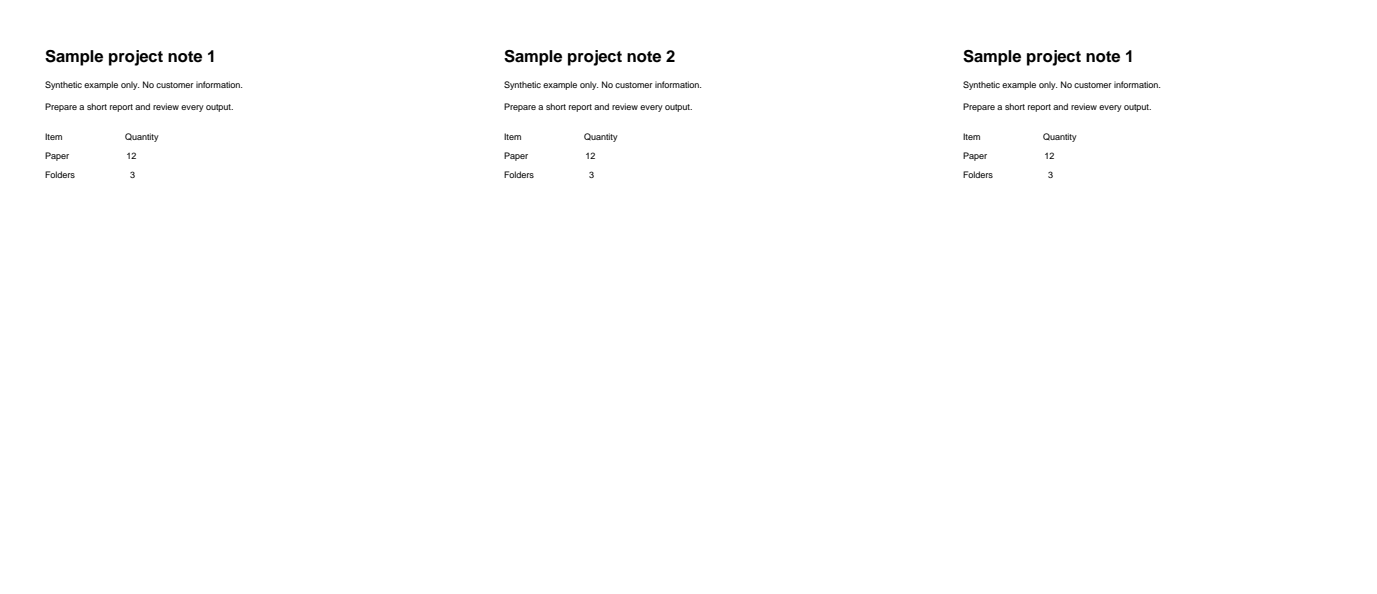
Two two-page PDFs combined into four pages. The preview shows the first three output pages.
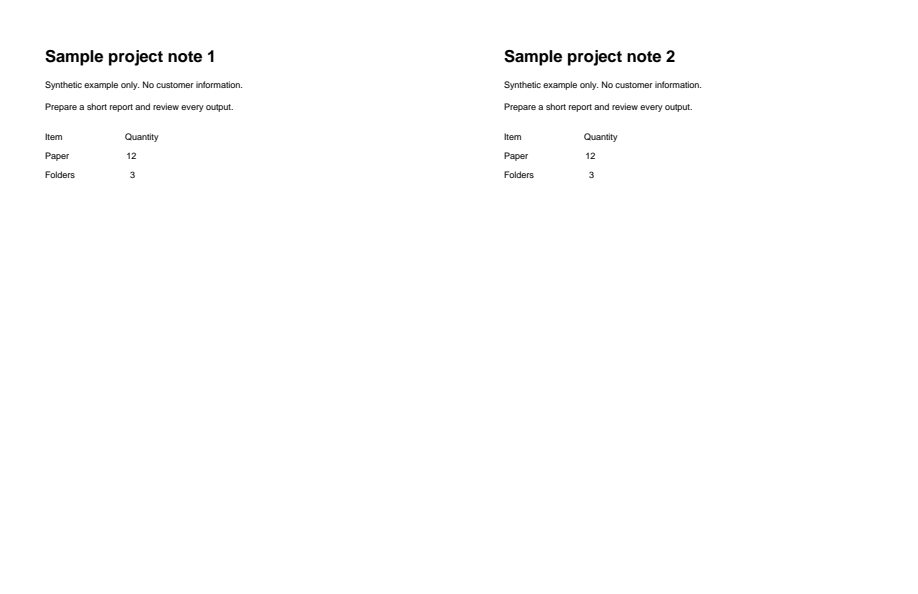
Synthetic input for merge-pdf
Before
Actual generated output for merge-pdf; see caption for view details
After

Download example input · Download result

Example details & evidence

Real editor export: 4 pages; 2308 input bytes, 2356 output bytes. The same two-page input was uploaded twice; preview shows the first three output pages.
Examples use synthetic files, not customer documents. Generation notes and SHA-256 hashes.

Common questions

Does upload order matter?

The initial order follows the upload. Reorder pages in the rail before exporting.

Can I keep only selected pages?

Remove unwanted pages in the editor or choose Extract selected pages at export.

What happens to form fields?

Review the exported forms in your reader before sending them; combining documents can change field behavior.

Can I merge locked files?

The free editor needs PDFs it can open. Unlock an authorized copy with the paid password tool first.

Related tools

ALPHAPDF PRO

Explore paid tools

AlphaPDF Pro: $135/year · $15/month · $5 one-time seven-day pass

The seven-day pass does not renew. An account and payment are required for PDF-to-JPG, all other converters and Premium tools. No free Premium jobs.

Compare free and paid access

Plan purchasing is not available here yet. Review supported inputs and limits before choosing a tool.

View pricing

Privacy choices

The device allowance is essential and cannot be disabled without deleting your AlphaPDF data. Optional uses are controlled separately.

Are you sure?