YOUR DOCUMENT. YOUR NEXT STEP.

Edit PDF files online

Use the visual workspace to adjust pages and add text, marks or a simple signature before exporting.

or drag and drop them here PDF only · up to 50 MB each

3 free exports per day · No signup needed

Free allowance & file limits

PDF input only: 50 MB per file, 100 files and 500 MB per workspace. Split export supports up to 200 parts.

Each device gets 3 successful standard exports per UTC day, shared by anonymous and signed-in free users. The allowance resets at 00:00 UTC (UTC midnight). Signing in, signing out or switching free accounts does not change it. No signup is needed to return tomorrow. A combined export counts once; failures and repeat downloads do not use another allowance. AI and OCR are not included in the free allowance.

How it works

  1. Upload a PDF
  2. Select a page and make your edits
  3. Export and inspect the downloaded PDF

Before you start

Complex layouts and forms need manual inspection. The basic editor does not include conversion, OCR or certificate signing.

Example result

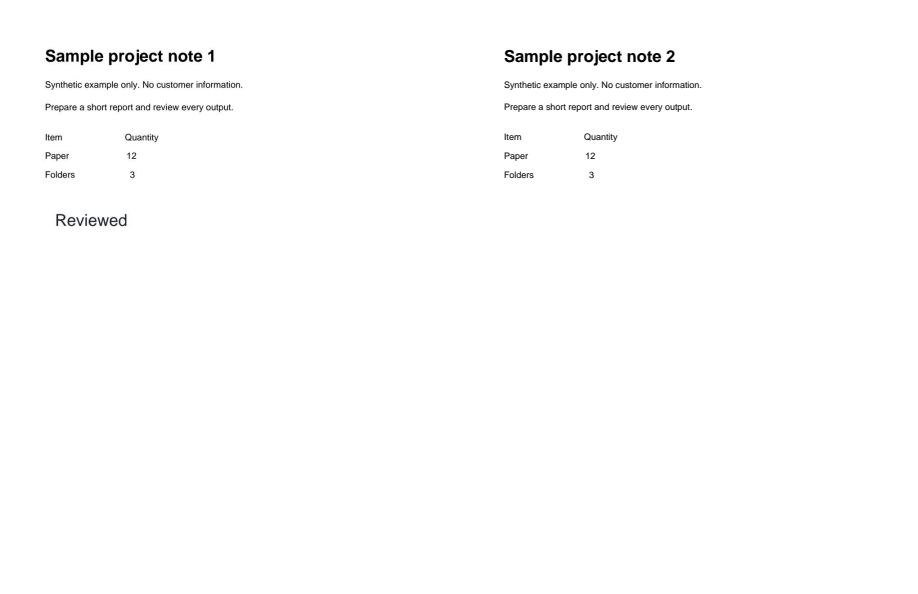
Text added to a two-page PDF. Check the result before sharing.
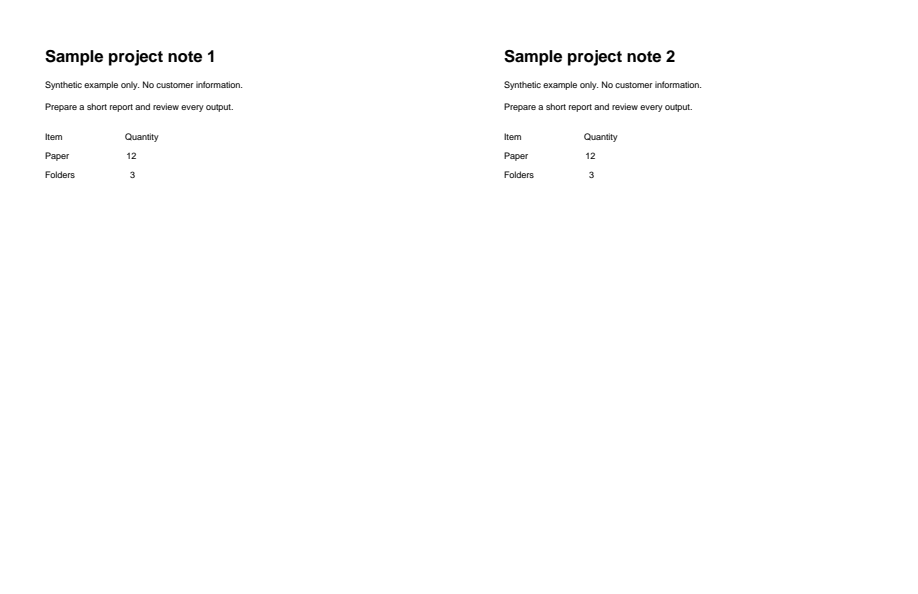
Synthetic input for edit-pdf
Before
Actual generated output for edit-pdf; see caption for view details
After

Download example input · Download result

Example details & evidence

Real editor export: 2 pages; 2308 input bytes, 29755 output bytes.

Examples use synthetic files, not customer documents. Generation notes and SHA-256 hashes.

Common questions

Can I edit scanned text?

A scan is an image. Adding text is possible, but it does not turn the scan into editable text.

Can I remove sensitive text by covering it?

A visual cover is not secure redaction. Do not use it to conceal private information.

Will my fonts match?

Available fonts and the PDF structure affect text changes. Review spacing and line breaks after export.

Does editing preserve digital signatures?

Changing a signed document may invalidate its existing signatures. Keep the signed original.

Related tools

ALPHAPDF PRO

Explore paid tools

AlphaPDF Pro: $135/year · $15/month · $5 one-time seven-day pass

The seven-day pass does not renew. An account and payment are required for PDF-to-JPG, all other converters and Premium tools. No free Premium jobs.

Compare free and paid access

Plan purchasing is not available here yet. Review supported inputs and limits before choosing a tool.

View pricing

Privacy choices

The device allowance is essential and cannot be disabled without deleting your AlphaPDF data. Optional uses are controlled separately.

Are you sure?