Searchable PDF OCR
An account and payment are required for PDF-to-JPG, all other converters and Premium tools. No free Premium jobs.
Compare free and paid accessKeep the original scan and add a searchable invisible text layer.
Add a searchable text layer to a scanned PDF, PNG, JPEG or TIFF while keeping the scan as the visible page. Select the languages present in the document.
OCR can misread small, faint or skewed characters. Search and copy a sample of the result to verify recognition; handwriting is best-effort.
Sign in to start
Premium processing keeps every input and result scoped to your own account.
Log inNew to AlphaPDF? Create an account
Output quality is under review. This tool is not currently recommended as a reason to purchase Pro. Check all output against the source.
What it does
Searchable PDF OCR reads the text in a scan and hides that text behind the page image. The page looks exactly as before, but you can now search it, select words and copy them out. It accepts scanned PDFs as well as PNG, JPG and TIFF images, and you tell it which languages are on the page.
When to use it
Use it on scanned contracts, old letters, receipts and archives that you need to search later. It is also the step to take before sending scans to anyone who relies on search or a screen reader.
How to use Searchable PDF OCR
- Sign in with an account that has Premium access.
- Upload .pdf, .png, .jpg, .jpeg, .tif, .tiff files. Each file can be up to 50 MB, with up to 25 files per batch.
- Select the recognition languages and scan cleanup options. Review the available settings and choose a 1, 7 or 30-day retention period.
- Start the job, then download and check the result before its retention period ends.
Related conversion options
Before you start
OCR can misread small, faint or skewed characters. Search and copy a sample of the result to verify recognition; handwriting is best-effort.
Small print, faded ink, stamps over text and crooked pages lower the quality of recognition. Handwriting is read on a best-effort basis.
Processing limits
Up to 50 MB per input; 25 files and 500 MB per batch. PDF limit: 2000 pages. Up to 2 active jobs per account. Output limit: 1000 MB. Renderer limits can reject especially large pages or images.
Example result
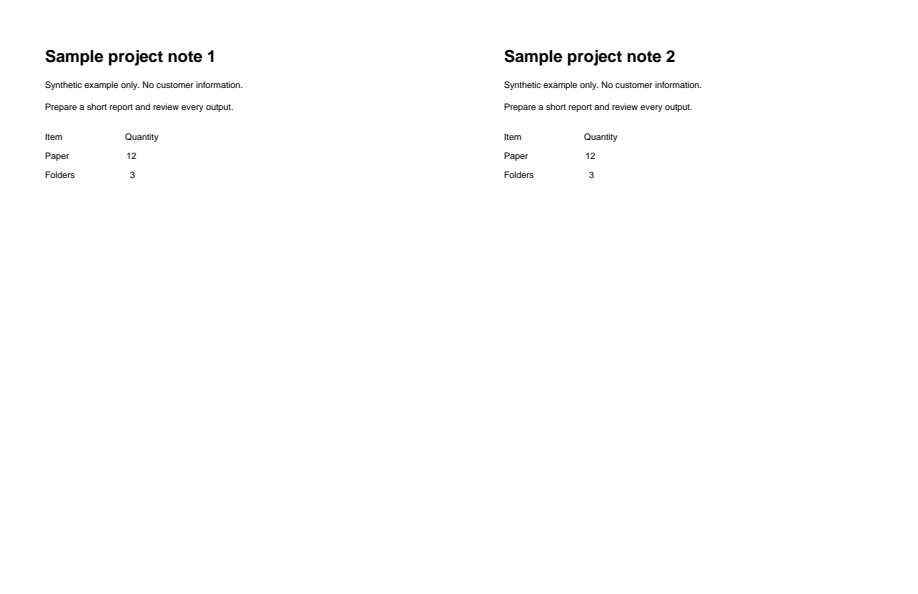
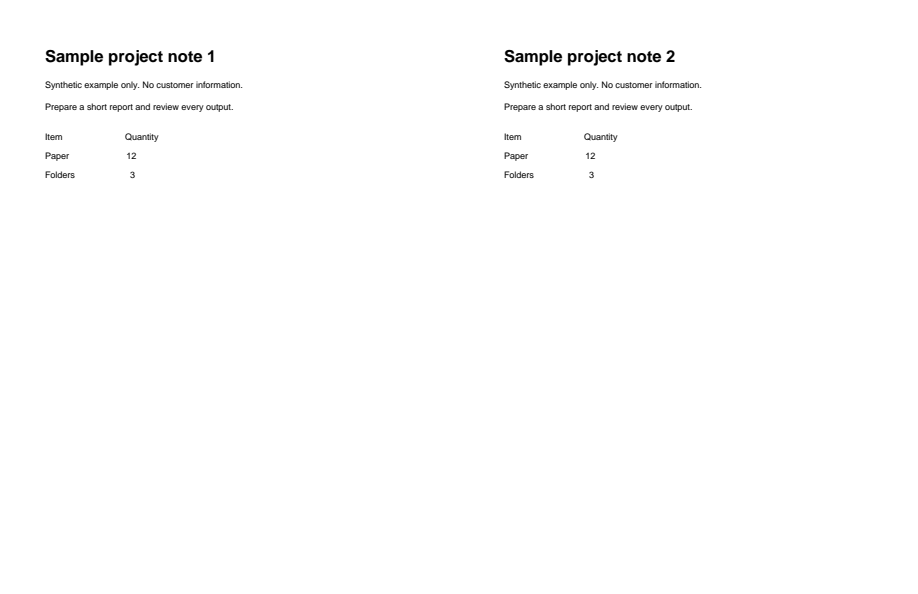
The page image remains, with searchable text added. Recognition errors remain: “Synthetic” was read as “Syptnaic.” Check copied text before use.
Download example input · Download result
Example details & evidence
Actual searchable PDF from a synthetic raster scan. The image remains, but the hidden text layer has recognition errors: Synthetic was read as Syptnaic. Review copied/searchable text before use; the OCR quality hold remains.
Examples use synthetic files, not customer documents. Generation notes and SHA-256 hashes.
Common questions
Will the page look different?
No. The original scan stays as the visible page. The recognised text sits underneath it.
Why choose languages?
Recognition works better when it knows which alphabets and words to expect. Select every language that appears.
Can I edit the text afterwards?
Not as a document. Use OCR text export if you want Word, Excel or plain text.
How can I check the result?
Search for a few names or numbers you can see on the page and copy a paragraph into a text editor.